Business network infrastructure that just works

Think of your network as the bloodstream of your business. When it runs well, everything flows. When it fails, everything stops. We design, install and maintain networks that your team never has to think about.

Request a free site assessment
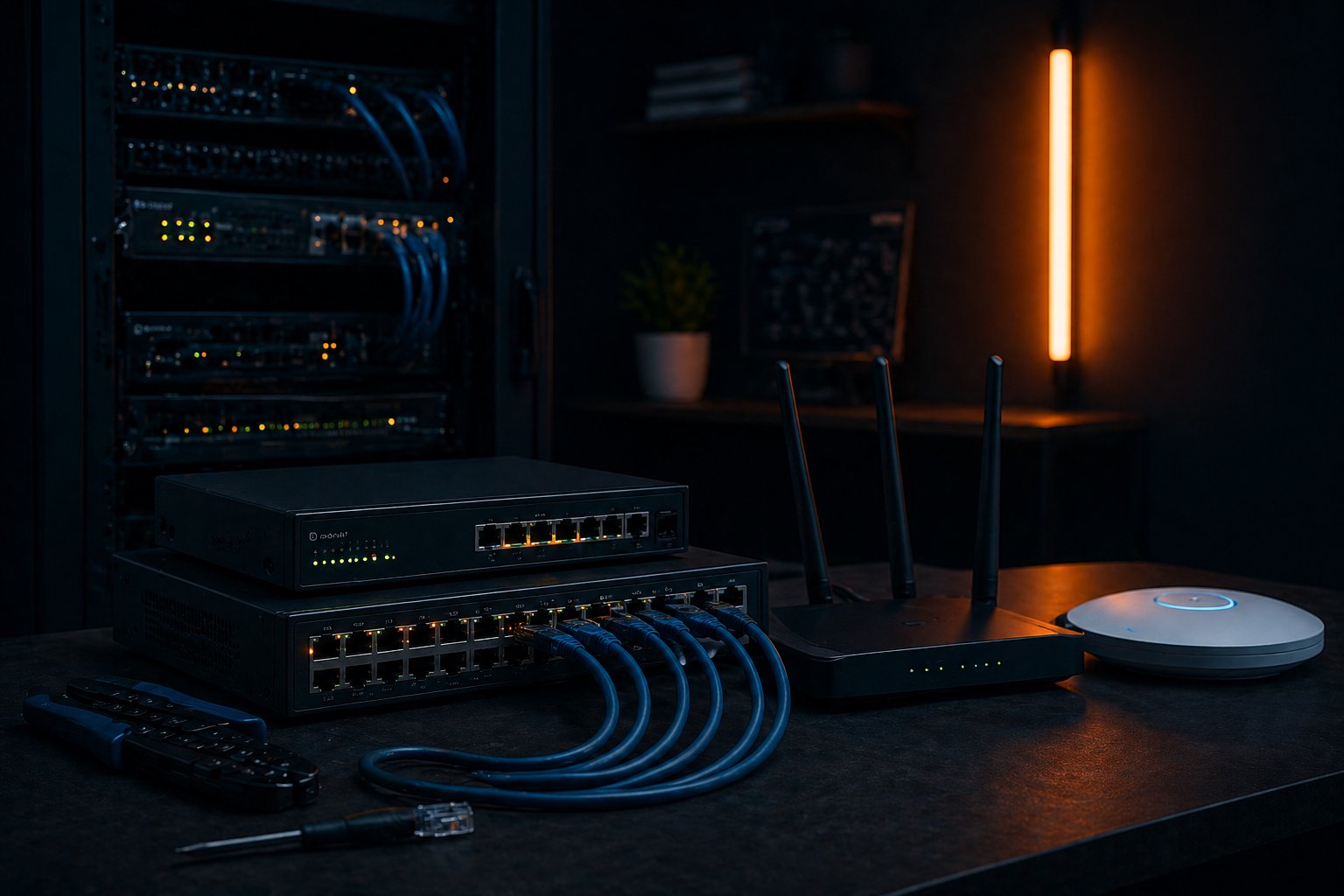
Business network infrastructure – routers, switches and WiFi equipment
14+
years of network installation experience
500+
satisfied business clients in Belgrade
100%
B2B – we work exclusively with businesses

Why network infrastructure is the foundation of your business

Every time an employee opens an email, accesses a shared folder or sends a document to the printer, it travels through your network. Network infrastructure is invisible but absolutely critical — it encompasses everything from the cables running through your walls, to the routers and switches in the comms cabinet, to the WiFi access points distributed across your offices.

A poorly designed network makes the symptoms immediately visible: files load slowly, video calls drop, printers disappear off the network and your team spends time waiting instead of working. A well-built network is the one no one ever mentions. That is the goal.

What we deliver

At NBG TEAM we don't arrive with a ready-made solution. Every business is different — different floor plan, different headcount, different workflows. Each project starts with an on-site analysis before we propose anything.

  • Network design and planning Before a single cable is touched, we produce a network plan. Switch locations, access point placement, cable routing — everything is mapped out in advance so there are no surprises during or after the installation.
  • Structured cabling (Cat6 / Cat6A) We run network cables through conduits, walls and floor boxes, with every run clearly labelled and tested. Neat, professional cabling means fewer faults and straightforward maintenance for years ahead.
  • Routers, managed switches and patch panels We install and configure active network hardware — MikroTik and Cisco routers, managed switches, patch panels — all configured to your requirements, including VLAN segmentation where needed.
  • WiFi and Mesh WiFi systems We deploy professional-grade WiFi (Ubiquiti UniFi, TP-Link Omada) that delivers consistent signal across every part of your space — from the front desk to the last office at the end of the corridor, and across multiple floors.
  • VPN and network security We configure VPN access for remote and hybrid workers, along with firewall rules that protect your network from unauthorised external access — without getting in the way of legitimate traffic.
  • Documentation and handover Every installation is completed with full documentation — network diagram, equipment list, credentials and a user guide. You always know exactly what you have and how it works.

What a typical project looks like

Picture a company of 15 staff relocating to new premises in Novi Beograd. You call us, we arrange a visit. We walk the space, understand your setup — how many workstations, whether there's a server room, how many staff work remotely. From that we produce a design and a fixed-price proposal.

Once agreed, our team comes in and works — usually one to two days for an office of that size. Cables go where they need to go, the switch and router sit in the comms cabinet, access points are ceiling-mounted. At the end we test everything: every PC connects, the network printer is visible, VPN works. We hand over the documentation and leave. You get on with work — we've done ours.

Why it matters who does the work

A cheap network installation almost always costs more in the long run. You pay once for the quick job, then repeatedly for technicians coming back to fix problems — or, in the worst case, you rebuild it from scratch. A job done properly the first time pays for itself many times over.

With over 14 years of experience and hundreds of network installations across Belgrade — for clinics, law firms, notary offices and public institutions — we know what works and what doesn't. We won't sell you what you don't need.

Mesh WiFi — when a single router is no longer enough

Imagine a large office spread across two floors, or a space with thick concrete walls. A router placed in the corridor will cover the nearest rooms reasonably well and everything beyond it poorly or not at all. Staff at the far end of the building work on a slow connection, and there's no signal in the meeting room. Sound familiar?

A Mesh WiFi system solves exactly this problem. Instead of one powerful router, a Mesh system uses several interconnected nodes that together form a single, seamless wireless network throughout the entire space. Your laptop or phone automatically connects to the closest node as you move around — no interruptions, no manually switching networks.

For businesses with larger or irregular floor plans — open-plan offices, multi-floor buildings, combined warehouse and office spaces — Mesh WiFi is today's gold standard. It's easy to manage and scales by simply adding new nodes as your company grows.

Standard router
Single device, limited range, dead zones in distant rooms. Strong signal near the router, weak signal further away.
Mesh WiFi system ✓
Multiple nodes, consistent signal everywhere, automatic roaming, easy expansion, centralised management.
How a Mesh system works
1
The primary node connects to your internet line
One node is plugged directly into your internet connection and acts as the main router.
2
Satellite nodes cover the rest of the space
We place them at strategic points — corridors, meeting rooms, upper floors. Each broadcasts the same WiFi signal.
3
Your devices roam automatically
As you walk through the office your phone switches to the nearest node seamlessly — no dropped connections, no manual action.
4
Centralised management for everything
All nodes are monitored and configured from a single dashboard — connected devices, bandwidth, guest network, firmware updates.

Frequently asked questions

What does a business network infrastructure setup include?
A complete setup covers an on-site needs assessment, network design, installation and configuration of routers, switches and WiFi access points, structured cabling (Cat6/Cat6A), VPN and firewall configuration, end-to-end testing and full handover documentation.
How long does it take to install a network for a small office?
For a small office of up to 20 workstations, a full network installation typically takes 1 to 2 business days. Larger sites or multi-location projects are scoped individually and given a precise timeline in the proposal before we start.
Can our office keep operating during the installation?
In most cases, yes. We plan installations to minimise disruption to your operations. For smaller projects there's usually no downtime at all. If a brief connection outage is unavoidable, we schedule it outside working hours or on a weekend.
Do you offer ongoing network maintenance after installation?
Yes. We offer managed monthly maintenance contracts that cover network monitoring, equipment firmware updates, priority response to issues and regular health checks. Your network stays optimised and problems get resolved before they affect your business.
What is Mesh WiFi and is it better than a standard router?
Mesh WiFi is a system of multiple interconnected nodes that together form a single wireless network. Unlike a standard router with limited range, a Mesh system delivers consistent coverage across your entire space with no dead zones. It's particularly valuable for larger offices, multi-floor buildings or spaces with thick walls. For business use we recommend Ubiquiti UniFi or TP-Link Omada, both of which offer enterprise-grade centralised management.
Which brands and equipment do you work with?
We work with proven brands — MikroTik, Cisco, Ubiquiti, TP-Link Omada, D-Link and others. We recommend equipment that fits your needs and budget, not the most expensive option. We can integrate your existing hardware or procure new equipment — whichever works best for you.

Other services we offer